Multiplayer
Play every monster locally with Tournament Mode
On the Switch 2 review build, open Settings and enable Tournament Mode, then enter Custom Battle. GameSpot reports that this makes every monster and stage available for local play, including a CPU match or play with up to three friends.
The tradeoff: online play is unavailable, and Research and Level progression pause while this setting is enabled. For unlocks you want to earn in normal play or use online, follow the G-Force Lab research route.
Platform limit: the hands-on Tournament report is from Switch 2. We have not verified this toggle on PC or PS5.
On this page
Check that this route matches your goal
| You want to… | Use this route? |
|---|---|
| Pick any monster for a local evening with friends | Yes, within the reported Switch 2 Tournament setup. |
| Try a monster against a CPU without its normal unlock grind | Yes: GameSpot reports local 1v1 CPU play. |
| Take a still-locked monster online | Use normal research. Tournament does not provide online access. |
| Earn RP or level a character while playing | Turn Tournament off and use an eligible normal mode. |
This guide covers the 2026 Remastered release. Its route comes from a current review, rather than the original 2002 game's passwords or Adventure unlock chains.
Turn it on and start a local battle
Open Settings
Look for Tournament Mode in the settings rather than treating it as a separate main-menu game mode. GameSpot found it there after asking the developers about immediate character access.
Enable Tournament Mode
Return to the mode choices. The reported setup leaves Custom Battle available and disables the other modes. That change is a useful check that the Tournament setting took effect.
Enter Custom Battle and choose your monster
The reported roster and stages are fully available in this setup. Choose a local 1v1 against a CPU, or a local match with friends, up to four players in total.
Play for the local match itself
Expect the access you selected, rather than Research Points or character-level progress. If your real goal is an earned unlock, switch to the research flow before spending more matches on it.
Steps and mode limits: GameSpot · Switch 2 review, based on the author's Switch 2 play. Exact PC/PS5 menu behavior remains unverified here.
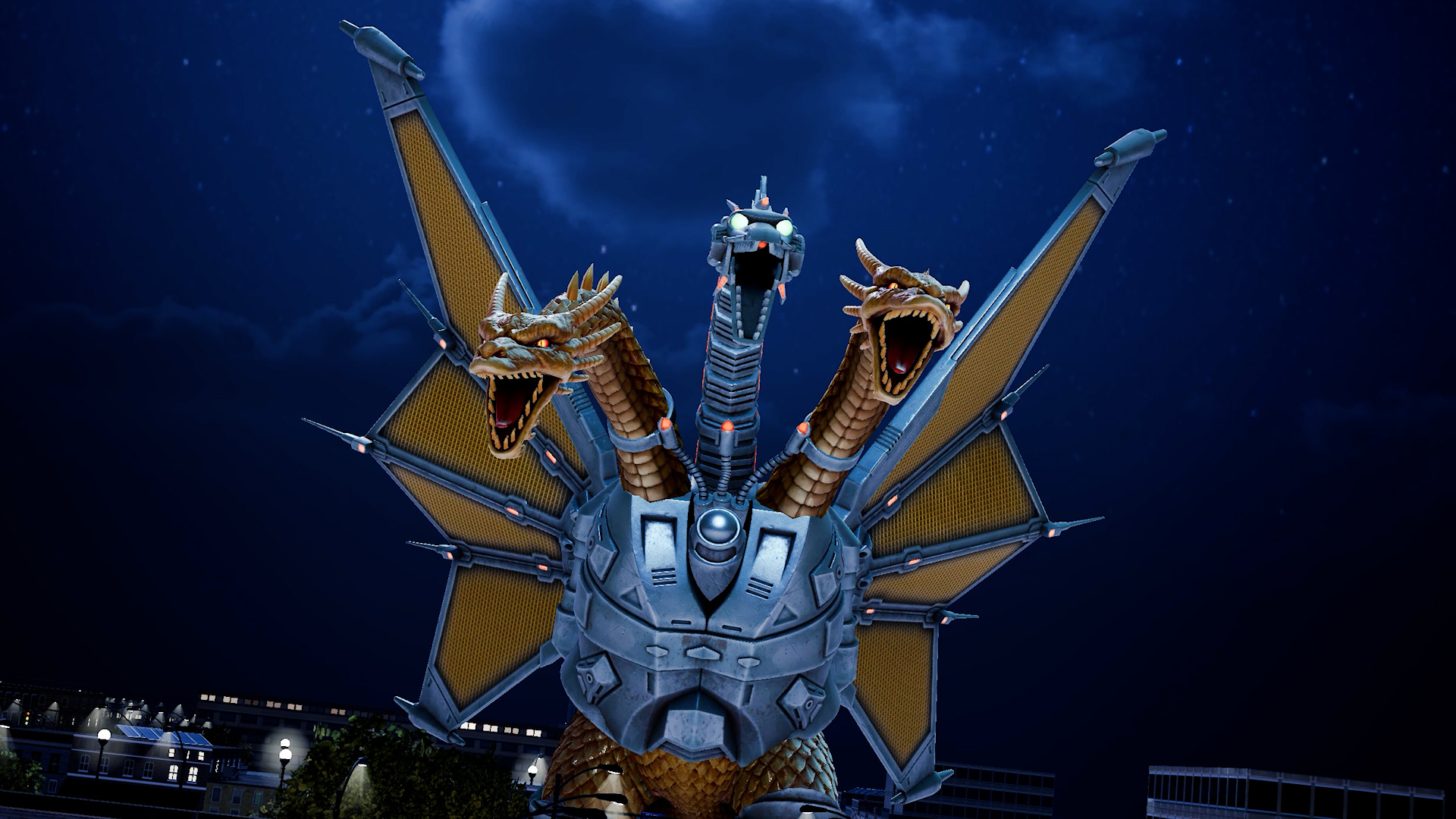
What happens to Research and character levels?
Tournament pauses Research and Level progression. A match can be working correctly even when the progress you wanted does not increase. Treat all-monster access in this setting as a local-play option, not as completion of the permanent research chain.
When you want to build progress, return to Settings, turn Tournament off and check the normal G-Force Lab state. Select an available current Project, then complete a mode that awards RP. Character XP is a separate track; a mode that earns research does not necessarily level your monster.
Compare Research Points, Character XP and Gallery Coins →If the expected option or result is missing
- I cannot find the Tournament toggle
- The verified report is Switch 2. Check your platform and installed version against the source before assuming a PC/PS5 menu has the same option. We do not have a tested workaround for a missing toggle on those platforms. The permanent research flow has separate PC/console source support.
- Online modes are unavailable
- This is an expected Tournament restriction in the reported build. Turn it off to return to normal mode selection; a monster you have not earned still needs its normal research unlock.
- RP or character XP stopped increasing
- Check whether Tournament is enabled first. After turning it off, use the Project and mode diagnosis to separate a missing RP award from a Character XP goal.
- The monster is locked again after I return to normal play
- Tournament access is not the same as earning its Project reward. Check the Rumor and Projects entries for the monster you want, and follow any remaining prerequisite.
Return to permanent progression
Switch Tournament off, open the G-Force Lab and choose the unlock you want to work toward. If a needed Project is unavailable, start with its Rumor or other displayed prerequisite. If it is available, make it the current Project before the next eligible match.
Your next completion check is the actual Project reward or the next revealed requirement. Seeing the full Tournament roster alone does not establish that you have earned those unlocks.
You're done with the local-play setup when…
You can select the desired monster in Tournament's Custom Battle and start the intended local match. Stay with this route for local play; use the research guide when your goal changes to lasting unlocks.
Sources & version
GameSpot · Switch 2 review — Kurt Indovina, 2 Nov 2026; 11 hours on Switch 2 with publisher review code. The article reports the Settings location, all-monster/stage access, local-only play and progression halt.
We have not played or tested this setting ourselves, and we do not label PC/PS5 Tournament behavior as verified. See the platform and source map.